Add a contact
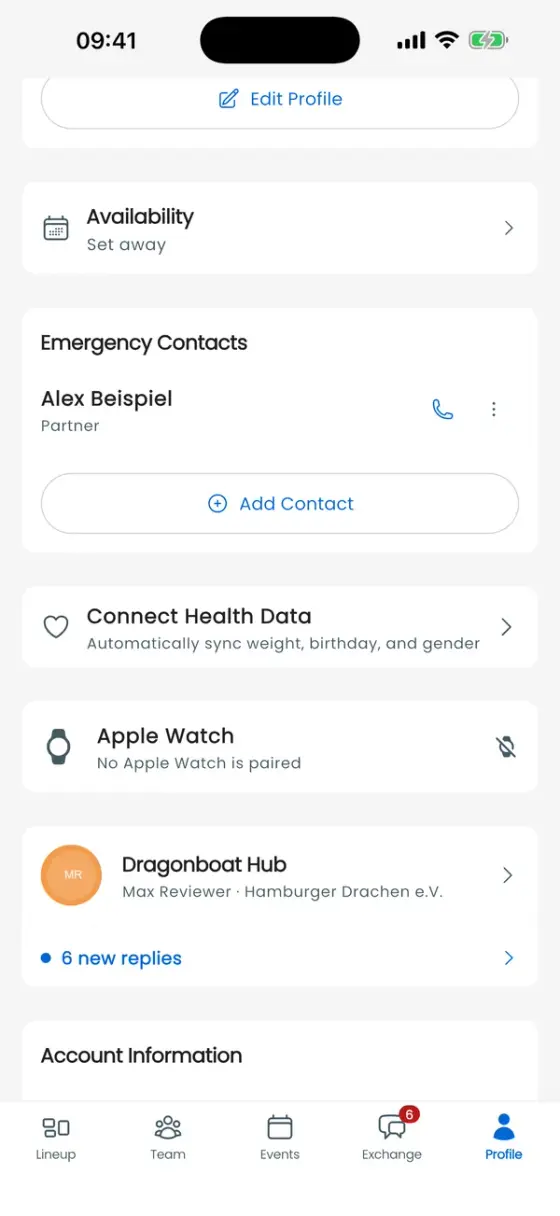
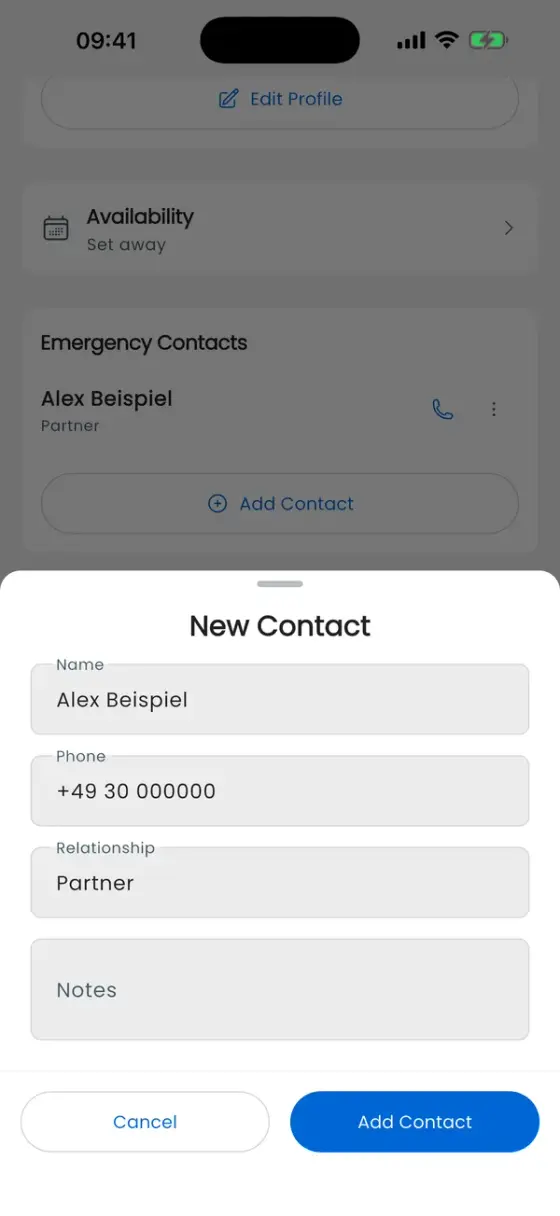
Open Profile, scroll to Emergency Contacts, and tap Add Contact. If your paddler profile is missing, link it in the selected club first (see Getting started).
- Enter the Name and Phone, preferably with a country code.
- Optionally add the Relationship, such as partner or parent, and Notes.
- Tap Add Contact, then check the entry in the list.
Call, edit or remove
The phone icon opens the phone function with the saved number. Edit reopens the details; save your changes. Delete removes the contact after confirmation. These actions do not automatically notify the contact.
Which profile owns the contact?
The contact belongs to the paddler entry in the selected club. If you belong to several clubs, check the correct profile in each one. Emergency contacts are not published as part of your public Hub profile.
Open the contacts while connected before training so they have been loaded on this device. A locally available number does not guarantee phone reception. See Offline use.